All Sessions
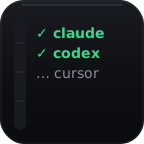
One key watches Claude Code, Codex, Cursor, Copilot CLI, Antigravity, OpenCode, and Pi. Waiting sessions take priority, then finished work, then active work.
Thank you for checking out VibeDeck Lite.
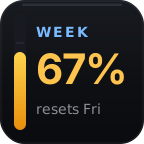
Lite puts the highest-priority live session on one Stream Deck key, with local usage, burn rate, commands, setup, and sounds. It stays free and works without a VibeDeck account.

VibeDeck Lite is installed. You choose the agents, inspect the exact files, and confirm before it changes configuration.
In the Stream Deck app, drag Setup from VibeDeck Lite onto an empty key.
Open the Setup key, select only the coding agents on this computer, and request a preview.
Read the affected files and confirm only when they match what you expect. Lite creates backups before edits.
Restart the selected agent, send one prompt, then add one All Sessions action to your Stream Deck.
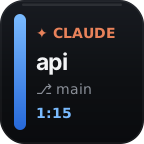
Why one All Sessions key? When several sessions are running, Lite gives the key to the one waiting for you first, then finished work, then active work. Tap it to return to the matching terminal.
VibeDeck Lite is a permanent working edition, not a timer or an activation screen.
One key watches Claude Code, Codex, Cursor, Copilot CLI, Antigravity, OpenCode, and Pi. Waiting sessions take priority, then finished work, then active work.
VibeDeck Lite stays free and supports one active All Sessions key. Full VibeDeck is available separately for multiple concurrent session keys and deeper controls, including approvals, model and reasoning controls, dictation, custom signals, and automation.